Klarna Strip
5* REVIEWS VIEW ALL | | | | |
Desktop

| | 5* Reviews View All |
Register your warranty | My Account |
- MENU
-
Air Fryers
-
Kitchen
-
- COOKING APPLIANCES
 Air Fryers
Frozen Drinks & Desserts
Pressure Cookers
Slow Cookers
 Soup Makers
Deep Fat Fryers
 Mini Ovens & Hobs
Multi Cookers
Sandwich Makers
Buffet Servers
Rice Cookers
-
-
Homeware
-
Floorcare
-
Collections
- SPARES
- OFFERS
- CLEARANCE



 Kettles
 Toasters
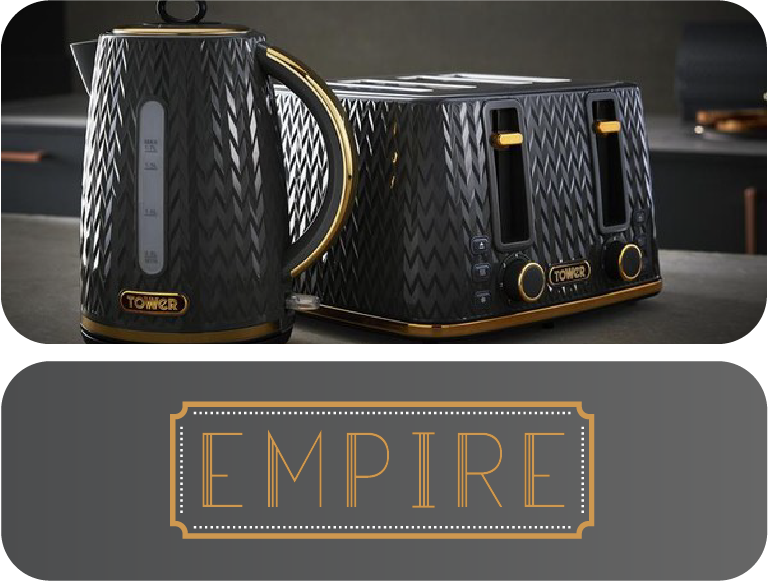
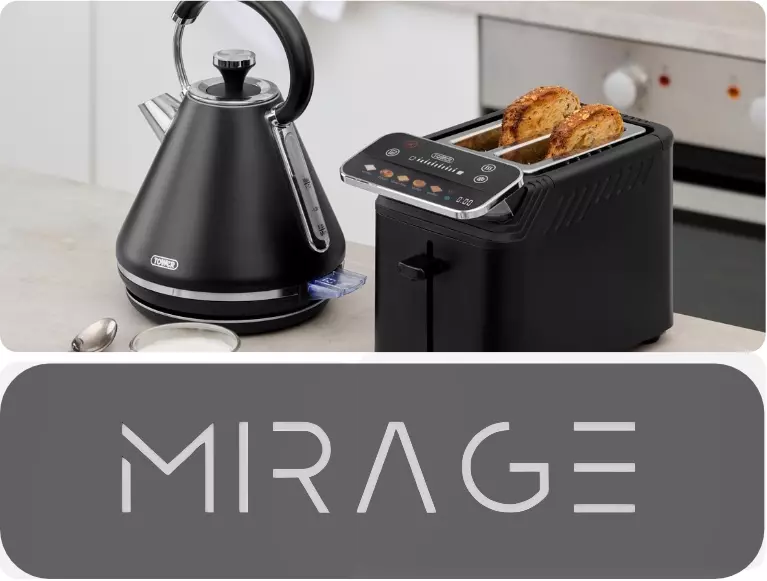
 Toaster & Kettle Sets
 Triple Sets
 Bundles

 Cleaning
 Ironing Boards
 Ironing Board Covers
 Floor Cleaners
 CORDLESS VACUUM CLEANERS
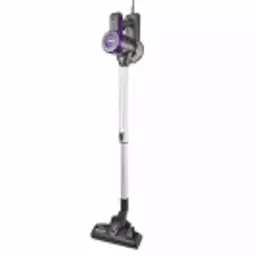 CORDED VACUUM CLEANERS
 HANDHELD CLEANERS
 STEAM CLEANERS
 CYLINDER VACUUM CLEANERS
 Carpet Washers
 Upright Vacuum Cleaners
 FLOORCARE BUNDLES









Menu -
AIR FRYERS
-
Tower Air Fryers
- More people are turning to Airfryers for their healthy, everyday cooking alternative. Discover our Vortx Airfrying technology today and see why over 1 million people have chosen our Air fryers.
Dual Basket Air Fryers
Single Basket Air Fryers
Air Fryer Accessories
- SEE THE FULL RANGE
- FIND OUT MORE ABOUT AIR FRYERS
-
-
KITCHEN
-
- COOKING APPLIANCES
- Air Fryers
Pressure Cookers
Slushi Maker
- Soup Makers
- Mini Ovens & Hobs
 Sandwich Makers
- FOOD PREPARATION
 Blenders
 Mixers
 Knives & Scissors
 Choppers
 Scales
 Chopping Boards
 Utensils
 Can Openers
Kitchen Textiles
Mortar & Pestles
- MICROWAVES
 Digital
 Manual
- SHOP ALL KITCHEN
- JOIN THE KITCHEN CLUB
-
-
HOMEWARE
-
- COOKING
 Pots & Pans
Frying Pans
Sauce Pans
Pan Sets
Smart Start
Freedom
 Cast Iron
 Roasting & Baking
Oven To Tableware
Casserole Pots
Grill Pans
Saute Pans
Woks
- TABLEWARE
 Condiments
 Dinnerware
Glassware
Mugs
- COUNTER TOP STORAGE
 Bread Bins
 Canisters
 Mug Trees & Towel Poles
 Spice Racks
Fish Jugs
Plate Sets
Side Plates
Pasta Bowls
Cereal Bowls
- UTILITY
 Waste Bins
- Sensor Bins
 Dish Racks & Drainers
Step Ladders
- LAUNDRY
Cordless Irons
Corded Irons
 Steam Generators
 Clothes Airers
 Garment Steamers
Ironing Boards
Ironing Board Covers
- SHOP ALL HOUSEWARES
-
-
FLOORCARE
- COLLECTIONS
- SPARES
- OFFERS
- CLEARANCE DEALS
 Toaster & Kettle Sets
 FLOOR CLEANERS
 CARPET WASHERS
 MOPS
Tablet
- MENU
-
AIR FRYERS
-
Tower Air Fryers
- More people are turning to Airfryers for their healthy, everyday cooking alternative. Discover our Vortx Airfrying technology today and see why over 1 million people have chosen our Air fryers.
- SEE THE FULL RANGE
- FIND OUT MORE ABOUT AIR FRYERS
-
-
KITCHEN
-
- COOKING APPLIANCES
- Air Fryers
- Soup Makers
- Mini Ovens & Hobs
- Sandwich Makers
- FOOD PREPARATION
- Blenders
- Mixers
- Knives & Scissors
- Choppers
- Scales
- Chopping Boards
- Utensils
- Can Openers
- MICROWAVES
- Digital
- Manual
- SHOP ALL KITCHEN
- JOIN THE KITCHEN CLUB
-
-
HOMEWARE
-
- COOKING
- Pots & Pans
- Cast Iron
- Roasting & Baking
- TABLEWARE
- Condiments
- Dinnerware
- COUNTER TOP STORAGE
- Bread Bins
- Canisters
- Mug Trees & Towel Poles
- Spice Racks
- UTILITY
- Waste Bins
- Sensor Bins
- Dish Racks & Drainers
- LAUNDRY
- Steam Generators
- Clothes Airers
- Garment Steamers
- SHOP ALL HOUSEWARES
-
-
FLOORCARE
- COLLECTIONS
- SPARES
- OFFERS
- CLEARANCE DEALS
| Menu |